Changing your security question is easy. Simply follow these steps:
- Once you login to your One Legal account, click My Account in the upper right hand corner of your screen.

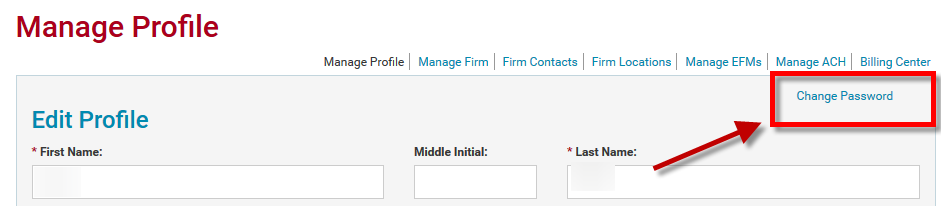
- Click Change Password.
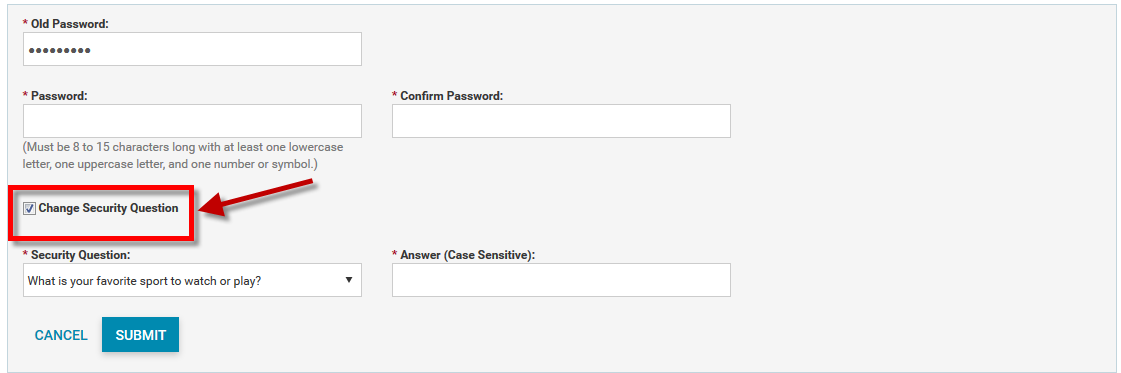
- Click to Change Security Question.
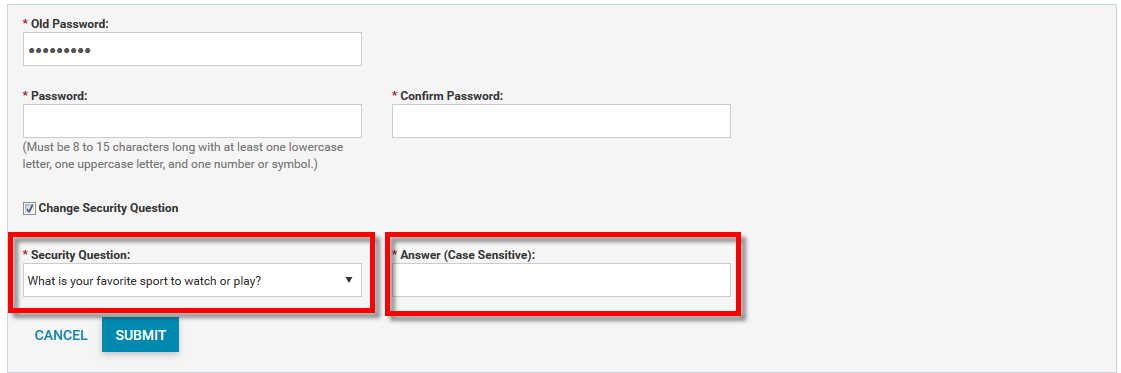
- Select a new Security Question and enter an Answer.
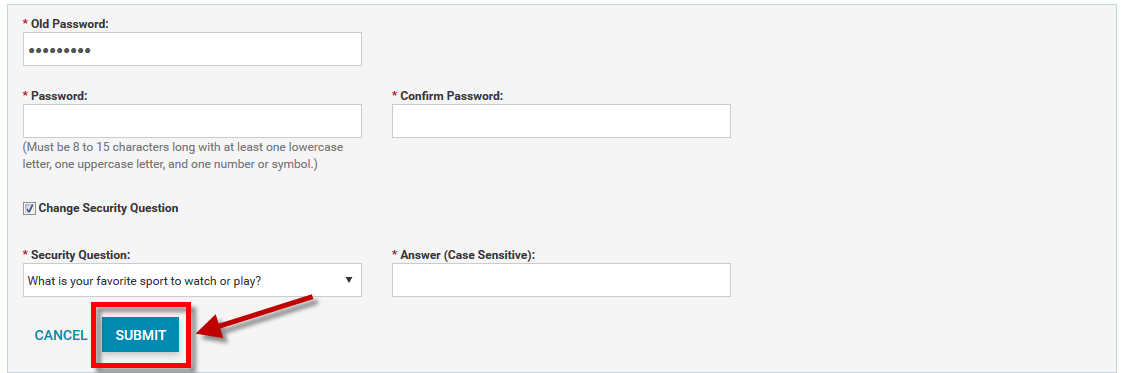
- Click Submit.
Your security question is now reset!